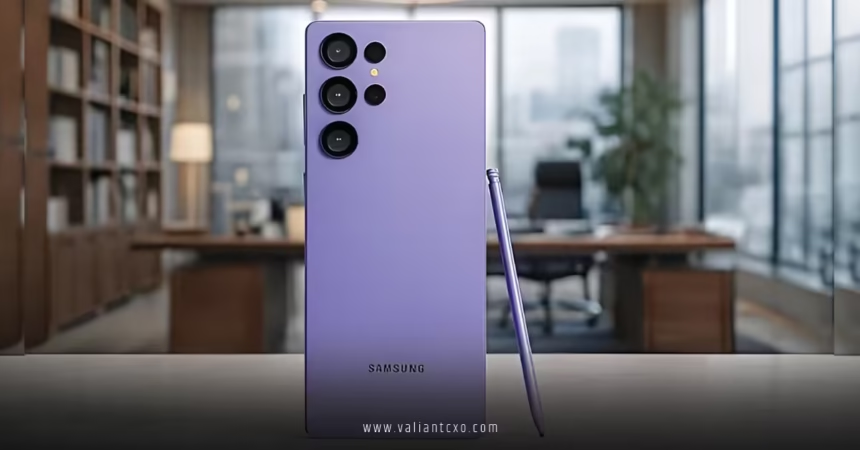
Samsung Galaxy S26 Ultra AI Features are stealing the spotlight in 2026, and for good reason. Launched just days ago at Galaxy Unpacked 2026, this beast isn’t just about a stunning camera or that groundbreaking Samsung Galaxy S26 Ultra Privacy Display (which keeps prying eyes away on crowded commutes). It’s the way Galaxy AI has evolved into something truly intuitive—almost like having a super-helpful assistant who anticipates your needs before you even voice them. Ever wished your phone could read the room (or the screen) and just… handle things? That’s the vibe here.
If you’re upgrading or debating the switch, let’s break down the standout Samsung Galaxy S26 Ultra AI Features that make everyday life smoother, more creative, and way less frustrating. We’ll cover the heavy hitters, how they work in real scenarios, and why this feels like the most “human” Galaxy AI yet.
The Power Behind Samsung Galaxy S26 Ultra AI Features: A Customized Snapdragon Beast
At the core of every impressive Samsung Galaxy S26 Ultra AI Feature is the customized Snapdragon 8 Elite Gen 5 for Galaxy. Samsung tuned this chip specifically for their ecosystem, delivering a massive 39% boost in NPU (neural processing unit) performance. What does that mean for you?
- Always-on AI without the lag or battery drain you might expect.
- Seamless multitasking—even when you’re editing photos, chatting, and streaming simultaneously.
- Faster, more efficient on-device processing, so your sensitive data stays private (tying nicely into that Samsung Galaxy S26 Ultra Privacy Display for extra peace of mind).
Compared to previous generations, this setup handles complex AI workloads in the background. You focus on living; the phone does the heavy lifting.
Now Nudge: The Proactive Helper You Didn’t Know You Needed
One of the freshest Samsung Galaxy S26 Ultra AI Features is Now Nudge. Imagine you’re texting a friend about last weekend’s trip, and they reply, “Send those beach pics!” Before you even start scrolling your gallery, Now Nudge pops up with the exact photos it thinks you’ll want—pulled straight from context on your screen.
It scans what’s happening right now and offers shortcuts:
- Spot a flight confirmation in an email? It nudges you to add it to Calendar.
- Mention a dinner plan? Boom—restaurant suggestions or reservation links.
- Autofill gets smarter too, suggesting details based on patterns.
It’s like having a mind-reading sidekick that minimizes taps and gets you to the next step faster. No more digging through apps—Now Nudge bridges the gap between intent and action.
Photo Assist and Creative Studio: Edit Like a Pro Without the Skills
Photography lovers, this is where Samsung Galaxy S26 Ultra AI Features shine brightest. Photo Assist now lets you edit with natural language prompts right in the Gallery app.
Want to add sunglasses to your dog’s selfie? Type “add cool shades on my pup” — Galaxy AI generates it seamlessly, blending lighting and shadows naturally. Remove photobombers, reframe shots, restore old details, or switch styles entirely. It’s generative editing made stupidly simple.
Then there’s Creative Studio, a unified hub for all creative work:
- Turn photos into custom stickers for chats.
- Generate entirely new images from text prompts.
- Design invitations, collages, or social posts without jumping between apps.
Everything stays on-device for speed and privacy—perfect when paired with the Samsung Galaxy S26 Ultra Privacy Display if you’re tweaking personal or work-related visuals in public.
Upgraded Bixby, Gemini, and Perplexity: Choose Your AI Agent
Samsung didn’t stop at their own tools. Samsung Galaxy S26 Ultra AI Features now let you pick your preferred agent:
- Revamped Bixby is more conversational—use natural language to control settings, navigate, or multitask.
- Google Gemini handles multi-step tasks, like booking an Uber in the background while you keep scrolling. It expands to food delivery and more soon.
- Perplexity joins the party with real-time, sourced answers embedded in Samsung apps (Browser, Notes, etc.). Say “Hey Plex” for quick research.
This multi-agent approach means you get the best tool for the job—Bixby for device control, Gemini for bookings, Perplexity for deep dives—without feeling locked in.
Now Brief: Your Personalized Daily Digest
Another gem among Samsung Galaxy S26 Ultra AI Features is the enhanced Now Brief. It pulls insights from your habits, notifications, and saved data to deliver bite-sized summaries:
- Upcoming events, birthdays, or booking reminders.
- Weather + schedule mashups for your commute.
- Proactive alerts like “Your flight boards in 2 hours—here’s the gate.”
It’s not overwhelming spam; it’s tailored, timely info that helps you stay ahead without constant checking.
How Samsung Galaxy S26 Ultra AI Features Tie Into Privacy and Security
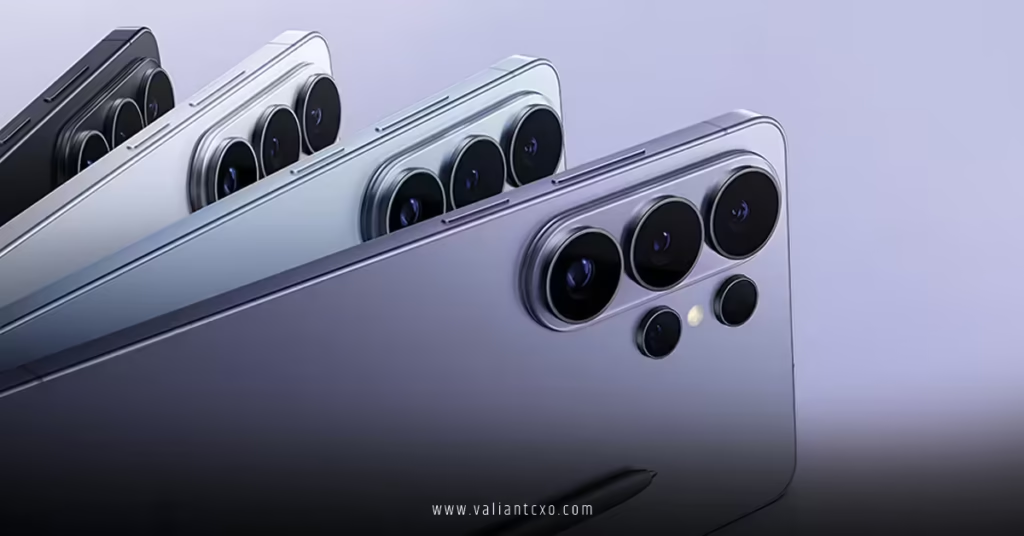
Privacy isn’t an afterthought here. Many Samsung Galaxy S26 Ultra AI Features run on-device, minimizing cloud reliance. Add the world’s first built-in Samsung Galaxy S26 Ultra Privacy Display, and you’ve got pixel-level control over who sees your screen—ideal when AI is suggesting sensitive calendar events or pulling up private photos via Now Nudge.
Knox security layers keep everything locked down, so you enjoy these smart tools without paranoia.
Real-World Wins: Why These Samsung Galaxy S26 Ultra AI Features Matter
Think about your average day:
- Morning commute: Now Brief summarizes your agenda while Samsung Galaxy S26 Ultra Privacy Display hides details from the person next to you.
- Work break: Photo Assist quickly polishes client shots with a prompt.
- Evening chat: Now Nudge finds and queues up vacation pics instantly.
- Late-night planning: Gemini books dinner reservations hands-free.
It’s not flashy gimmicks—it’s practical intelligence that saves time and reduces friction.
Wrapping It Up: Is Samsung Galaxy S26 Ultra AI Features Worth the Hype?
In short, yes. The Samsung Galaxy S26 Ultra AI Features push Galaxy AI into truly intuitive territory—proactive, contextual, and user-focused. With Now Nudge leading the charge, enhanced editing tools, multi-agent flexibility, and rock-solid performance, this phone feels like it’s working with you, not just for you.
If you’re tired of phones that react instead of anticipate, the Galaxy S26 Ultra delivers that next-level experience. Pair it with the innovative Samsung Galaxy S26 Ultra Privacy Display for total control, and you’ve got a flagship that’s as smart about your privacy as it is about your productivity.
Ready to make your phone smarter? The Galaxy S26 Ultra is available now—pre-order perks are still live on Samsung’s site.
For more details, check the official reveal on Samsung Newsroom, hands-on insights from CNET, and coverage at The Verge.
FAQs
What are the standout Samsung Galaxy S26 Ultra AI Features in 2026?
Key ones include Now Nudge for contextual shortcuts, advanced Photo Assist with natural language editing, Creative Studio for seamless creation, upgraded Bixby/Gemini/Perplexity agents, and personalized Now Brief summaries—all powered by a 39% faster NPU.
How does Now Nudge work as part of Samsung Galaxy S26 Ultra AI Features?
It analyzes your screen context in real time and suggests actions—like jumping to specific photos in Gallery or adding events to Calendar—reducing manual steps dramatically.
Can Samsung Galaxy S26 Ultra AI Features like Photo Assist run offline?
Many core tools, including Photo Assist and generative edits, process on-device for speed and privacy, though some advanced Gemini tasks may use cloud support.
How do Samsung Galaxy S26 Ultra AI Features integrate with the Privacy Display?
While the Samsung Galaxy S26 Ultra Privacy Display protects your screen from side views, AI features like Now Nudge handle sensitive content discreetly, ensuring suggestions appear only to you.
Which AI agent is best in Samsung Galaxy S26 Ultra AI Features?
It depends—Bixby excels at device controls, Gemini at task automation (like bookings), and Perplexity at accurate, real-time research. Switch freely for the perfect fit.