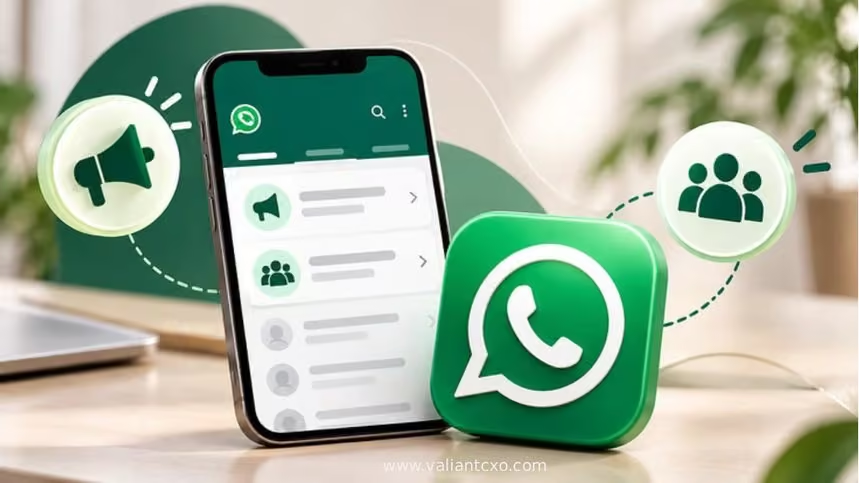
WhatsApp Business app turns a regular phone into a customer service desk that actually works. Skip the personal account clutter. Get a proper profile, a catalog customers can browse inside the chat, and tools that stop you from typing the same answer fifty times a day.
Here’s the quick hit on what it delivers and why it matters for small and mid-size U.S. businesses in 2026:
- Free to download and use on Android and iPhone—messages you send from the app stay free.
- Business profile shows hours, address, website, and up to three categories so customers know who you are before they type.
- Catalog lets people browse products or services and send carts without leaving the conversation.
- Greeting messages, away messages, quick replies, and labels keep responses fast and organized even when you’re slammed.
- Broadcast lists reach up to 256 contacts who already saved your number, each as a private chat.
That combination is why so many solo operators and small teams start here instead of jumping straight to paid platforms.
What the WhatsApp Business App Actually Is
The WhatsApp Business app is Meta’s free mobile app built for businesses that still answer most chats by hand. It looks and feels like regular WhatsApp, but the tools underneath are different. You get a dedicated business profile, product catalog, automated first replies, saved responses, and chat organization features the personal app never offered.
It is not the same as the WhatsApp Business Platform (the API). The app runs on your phone plus a handful of linked devices. The Platform is for software, shared inboxes, automation, and higher volume. Most beginners and intermediates should master the app first. Jumping to the API too early just adds cost and complexity you don’t need yet.
In my experience, the businesses that get the most from the WhatsApp Business app treat it like a digital storefront that also happens to answer questions. They fill out the profile completely, keep the catalog current, and use labels the way a retail manager uses shelves—everything has a place.
Core Features That Matter in 2026
Business profile is the foundation. Customers see your name, description, address, hours, email, website, and categories the moment they open the chat. Incomplete profiles look amateur. Spend ten minutes getting this right.
Catalog is still one of the strongest free tools. Upload products or services with photos or short videos, prices, and descriptions. Customers browse and send a cart message. Note that order tools (the built-in order management features) are being phased out starting mid-November 2026, so plan to confirm details and payments in the chat itself.
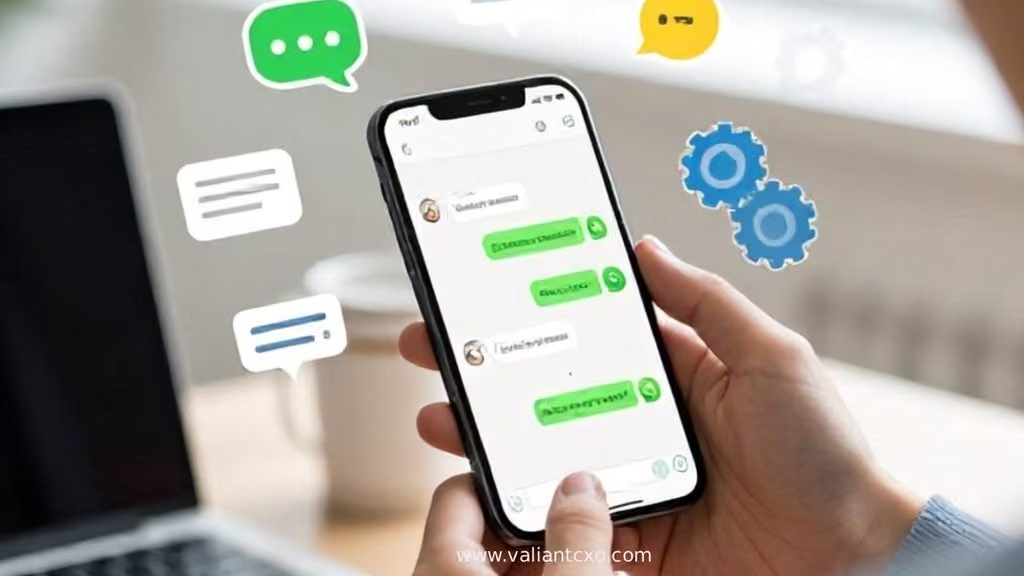
Greeting and away messages handle the “are you open?” and “I’ll get back to you” questions automatically. Quick replies (up to 50, including media) let you drop common answers with a slash. Labels (now gradually rolling out as Lists, still capped around 20) turn a messy chat list into something you can filter by stage—new lead, paid, follow-up, closed.
Broadcast lists remain free and useful for updates to people who already have your number saved. Cap is 256 per list. Paid business broadcasts exist in some markets and reach people who haven’t saved you, but they cost per delivery.
Linked devices still top out at four on the free tier. Higher Meta One plans unlock more if you need them.
WhatsApp Business App vs Regular WhatsApp vs the API
| Feature | Regular WhatsApp | WhatsApp Business App | WhatsApp Business Platform (API) |
|---|---|---|---|
| Cost | Free | Free (optional paid add-ons) | Per delivered message + provider fees |
| Business profile | No | Yes | Yes |
| Catalog | No | Yes | Yes (via tools) |
| Quick replies / labels | Limited | Yes (50 / ~20) | Advanced via software |
| Multi-user inbox | No | Limited (linked devices) | Full shared inbox |
| Automation & bots | None | Basic auto-replies | Full (AI, flows, CRM) |
| Broadcast reach | 256 saved contacts | 256 saved + paid options | Opted-in, higher limits |
| Best for | Personal | Solo / small teams | Scale, teams, software |
The table makes the choice clear. Stay on the free WhatsApp Business app until the volume or team size forces a move.
Step-by-Step Action Plan for Beginners
- Download the WhatsApp Business app from the Google Play Store or Apple App Store. Use a number that is not already active on personal WhatsApp if you want both running.
- Verify the number and create the business profile. Fill every field. Add a clear photo and write a short description that states what you sell and how you help.
- Set up the catalog. Start with your top 10–20 items. Keep photos clean and prices accurate.
- Write and activate a greeting message and an away message. Keep them short and useful.
- Create 8–12 quick replies for the questions you answer every day. Include media where it helps.
- Build labels or lists that match your actual workflow—New inquiry, Quote sent, Booked, Paid, Follow-up.
- Create one or two broadcast lists with customers who already know you. Send a simple value update, not a hard sell.
- Share your short link and QR code on your website, Instagram bio, email signature, and any print materials.
- Test everything with a friend or second phone. Fix anything that feels clunky.
- Review the setup weekly for the first month. Most people under-use the catalog and labels at the start.
Do those ten steps and you will already be ahead of most competitors still using a personal account.
Common Mistakes & How to Fix Them
Using a personal WhatsApp for business traffic is the biggest one. Customers see your personal status and last seen. Switch to the Business app.
Leaving the profile half-empty ranks second. Customers decide whether to trust you in seconds. Complete it.
Ignoring the catalog is common and costly. People prefer browsing to typing “what do you have?” Put the products in.
Sending long, unformatted walls of text makes you look disorganized. Use short paragraphs, bullet-style replies, and quick replies with media.
Broadcasting too often or to people who never saved your number burns goodwill and delivery. Stick to value and respect the 256 limit.
Never checking linked devices or letting the primary phone go offline for two weeks logs everyone out. Keep the phone online or on a reliable charger.
Treating the app like a one-way announcement channel instead of a conversation tool is the last big miss. Reply fast. Answer questions. The businesses that win on WhatsApp treat every chat like a real customer standing in front of them.
When the Free App Stops Being Enough
You will feel the limits. One phone plus four linked devices gets tight once two or three people need simultaneous access. Broadcast lists of 256 feel small once your list grows. Manual labeling becomes a chore. At that point look at the WhatsApp Business Platform through a reputable provider. The app can even coexist with the API on the same number in many cases, so the switch does not have to be all-or-nothing.
Until that day arrives, the free WhatsApp Business app remains one of the highest-ROI tools available to U.S. small businesses.
Key Takeaways
- The WhatsApp Business app is free, mobile-first, and designed for businesses that still answer most messages themselves.
- A complete business profile and active catalog are non-negotiable for looking professional.
- Greeting messages, away messages, quick replies, and labels save hours every week once set up properly.
- Broadcast lists work well for warm contacts who already saved your number; respect the 256 limit.
- The app is not the API—know the difference before you outgrow the free tier.
- Order management tools inside the app are being removed in late 2026; plan to handle carts and confirmations in chat.
- Share your short link and QR code everywhere customers already look for you.
- Review and refine the setup monthly; the tool only works as hard as you configure it.
Start today. Download the app, fill the profile, load ten products, write three quick replies, and send one useful broadcast to people who already know you. That single afternoon of setup will put you ahead of the businesses still pretending a personal WhatsApp account is “good enough.”
FAQs
Is the WhatsApp Business app really free in 2026?
Yes. Downloading and using the core features costs nothing. Messages you send from the app stay free. Optional Meta One subscriptions and paid business broadcasts exist if you want the extras.
Can I use the WhatsApp Business app and personal WhatsApp on the same phone?
Not with the same number. You need two different numbers if you want both apps active at the same time.
What happens to the catalog when order tools disappear later in 2026?
Customers can still browse and send carts. You simply confirm the details, payment, and delivery in the regular chat instead of using the old order management buttons.