How to Spot Airport Phishing Emails After a Data Breach :
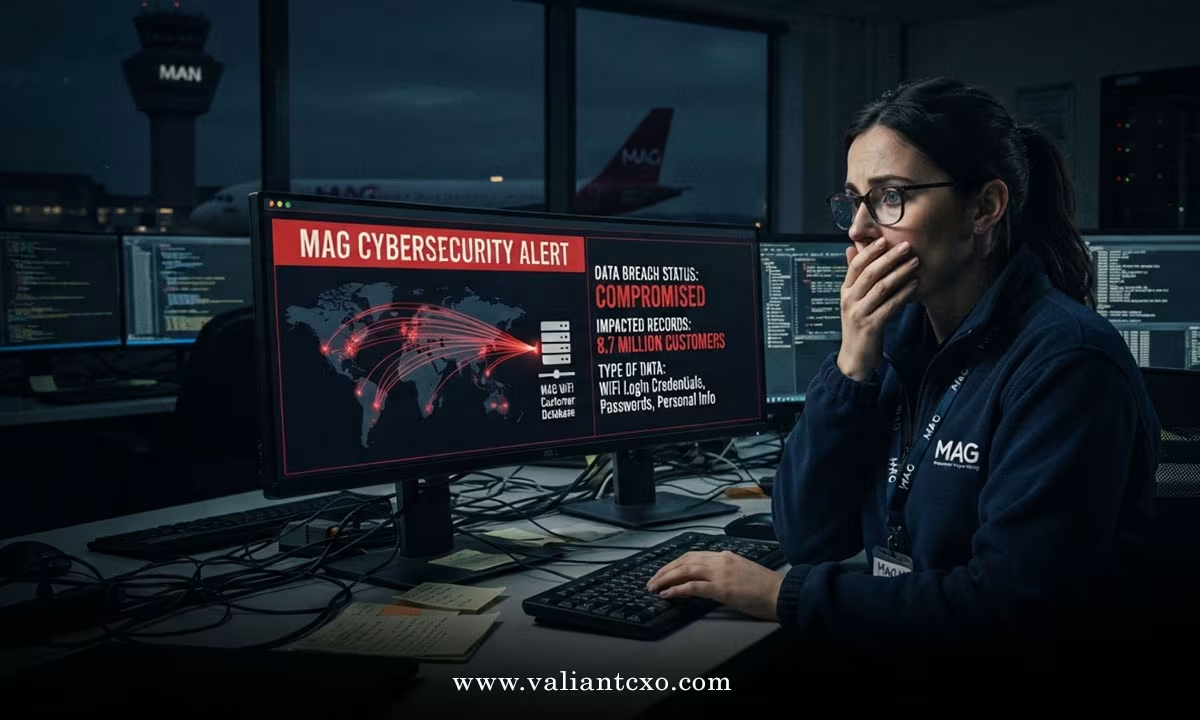
A major data breach at UK airports has left millions of people more exposed to targeted phishing. After the Manchester Airports Group cyber attack 8.7 million customers WiFi data, criminals now hold large volumes of real email addresses, phone numbers, vehicle registrations and postcodes linked to Manchester, London Stansted and East Midlands airports.
Most of the stolen data came from free WiFi sign-ups and bookings for parking, lounges or Fast Track. No bank or payment details were taken. That does not make the risk low. Attackers can still craft highly convincing messages that look like they come from the airport, an airline, or a related service.
Here’s how to spot the phishing attempts that typically follow this kind of breach.
Why this breach is especially useful for scammers
Email addresses collected at airport WiFi portals are gold for phishing. The attacker already knows you (or someone using your email) has a connection to one of those three airports. They can reference real services — parking, lounge access, Fast Track, or “your recent WiFi session” — and make the message feel personal and urgent.
Expect a wave of emails claiming:
- Your parking booking needs urgent confirmation or payment
- Your Fast Track or lounge pass has been cancelled
- There is a problem with your personal data following a “security update”
- You must verify your details to keep a booking active
- A refund or compensation is waiting for you
Any of these can arrive with your real email address and sometimes your postcode or vehicle registration already filled in. That alone makes the message feel legitimate.
Classic red flags in airport-related phishing emails
1. Urgent or threatening language
“Act now or your booking will be cancelled.”
“Your data is at risk — verify immediately.”
“Final warning: parking fine outstanding.”
Real airports almost never use this tone in routine communications.
2. Suspicious sender addresses
Look carefully at the “from” field.
Legitimate MAG or airport emails usually come from domains such as @magairports.com, @manchesterairport.co.uk, @stanstedairport.com or similar official addresses.
Watch for near-misses:
- manchester-airport-support.com
- mag-security-update.net
- stansted-parking-refund.co.uk
Hover (do not click) over the sender name to reveal the real address.
3. Generic greetings or slight name mismatches
“Dear Customer” or “Dear Valued Passenger” is common in mass phishing. Real airport systems often use the name you provided at booking or WiFi sign-up. A completely wrong first name is another warning sign.
4. Links that do not match the claimed destination
Hover over any button or link. The real URL that appears in the bottom of your browser or as a tooltip should start with the official airport domain. Anything that goes to a random short link, a lookalike domain, or a completely unrelated site is almost certainly malicious.
5. Requests for payment or sensitive information
MAG has confirmed that payment details were not part of the breach. Any email asking you to “update your card,” “pay a small verification fee,” or “confirm your bank details to receive a refund” is a scam.
6. Attachments or unexpected forms
Phishing emails after data breaches often include PDFs, Word documents or “secure forms” that install malware or harvest credentials. Official airport communications rarely need you to open attachments for routine updates.
7. Poor spelling, awkward phrasing or mismatched branding
Even well-resourced attackers sometimes slip. Look for slightly off logos, wrong colours, or grammar that does not match official MAG or airport style.
What to do if you receive a suspicious email
- Do not click any links or open attachments.
- Do not reply.
- Do not call any phone number listed in the email.
- Go directly to the official airport website by typing the address yourself or using a bookmark you already trust.
- If you have an upcoming booking, check it only through the official “Manage My Booking” portal or the official app.
- Report the email as phishing in your email client (Gmail, Outlook, etc.) and, if you wish, forward it to report@phishing.gov.uk.
- Consider enabling multi-factor authentication on any accounts that use the same email address.
- Monitor your email and bank accounts for unusual activity over the coming weeks.
If you used free WiFi at Manchester, Stansted or East Midlands in recent years, or made parking/lounge/Fast Track bookings, treat any unexpected airport-related message with extra caution for the next few months.
Extra protection steps worth taking now
Change the password on the email account that received the official MAG notification if you reuse that password elsewhere.
Turn on login alerts for that email account.
Be wary of text messages or phone calls that reference the same breach — voice and SMS phishing (vishing and smishing) often follow large email dumps.
Keep your devices and antivirus software updated.
Data breaches like the Manchester Airports Group incident do not disappear after the news cycle moves on. The stolen email lists remain valuable for months or years. Scammers will continue testing new templates that reference parking, WiFi, Fast Track and lounge services.
Stay sceptical of any unsolicited message that claims to come from an airport. When in doubt, ignore the email and go straight to the official website. That single habit stops the vast majority of these attacks.
FAQs
How can I tell if an email about the Manchester Airports Group cyber attack is genuine?
Official notifications from MAG come from recognised airport domains and do not ask you to click links to “verify” data or make payments. Any message demanding urgent action, containing attachments, or using a slightly altered sender address should be treated as phishing.
What personal details were exposed in the Manchester Airports Group cyber attack 8.7 million customers WiFi data?
Primarily email addresses from free WiFi sign-ups, plus some phone numbers, vehicle registrations and postcodes linked to parking, lounge and Fast Track bookings. No bank or payment card details were accessed.
Should I change my email password after receiving a breach notification from MAG?
Yes, if you reuse that password on other accounts. Also enable multi-factor authentication and remain alert to unexpected airport-related emails, texts or calls for several months, as stolen contact lists are often used for follow-up phishing.