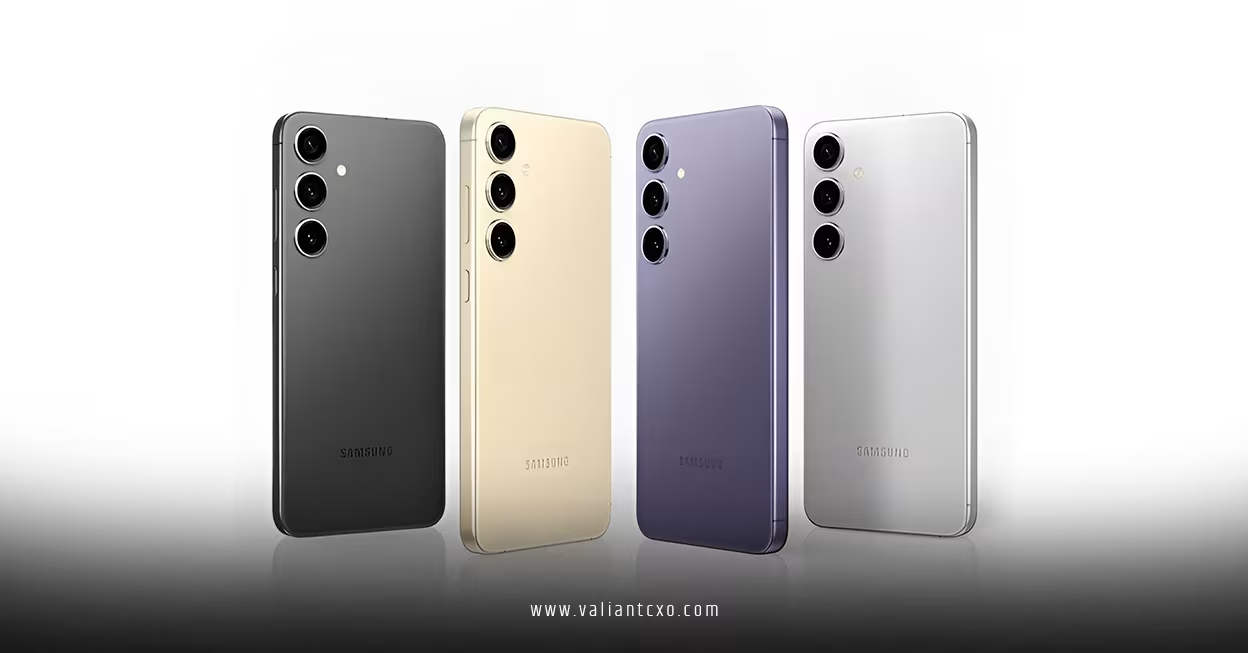
Samsung Galaxy S24 battery drain after July update is a problem many users are noticing right after installing the latest software patch. If your phone is losing power faster than usual, running warmer, or needing a mid-day top-up, you are not alone—and there are a few practical steps we’re going to walk through right now.
Pic – CC0 License
What the July update may have changed
A software update can affect battery life in several ways, even when the phone itself is fine. Background services may re-index files after an update, some apps may not yet be fully optimized for the new system build, and certain settings can shift during installation.
That does not automatically mean your Galaxy S24 has a hardware fault. In many cases, battery drain improves after a short period once the phone finishes its post-update tasks. If the drain continues for several days, then it is worth checking apps, settings, and system behavior more closely.
Samsung Galaxy S24 battery drain after July update: the first checks
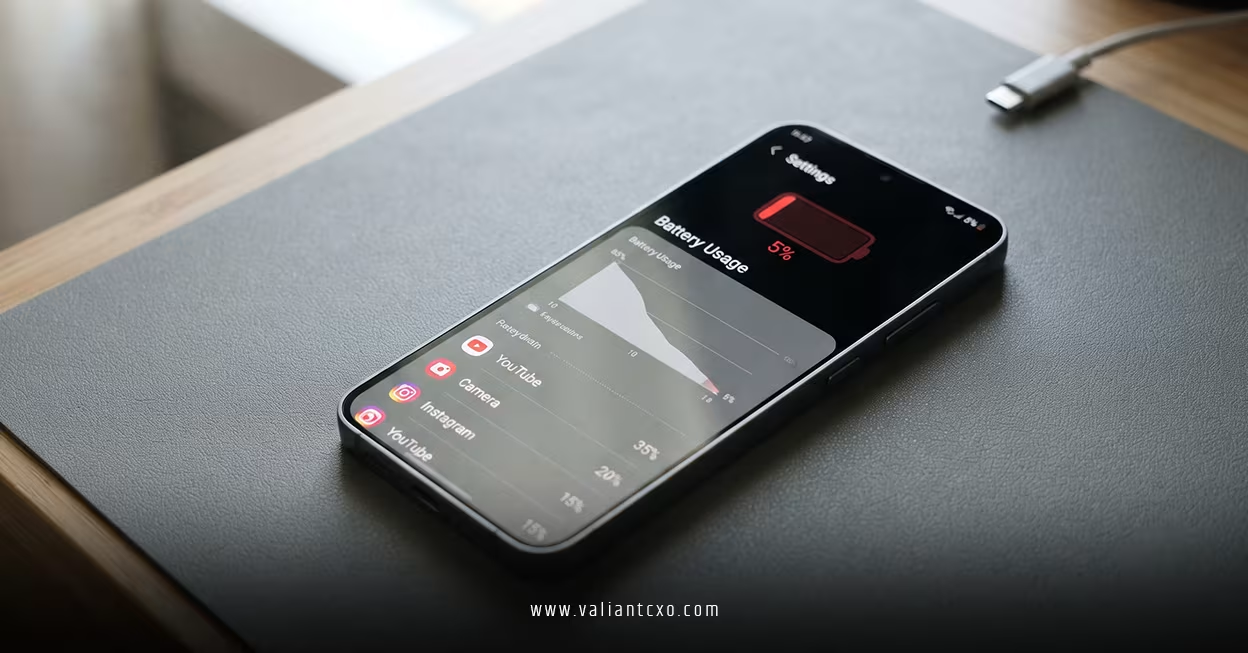
Before you assume the update caused permanent damage, start with a few simple checks. Go to Settings > Battery and look at which apps are using the most power. If one app is unusually high, force stop it, update it, or uninstall it for a day to see whether the drain improves.
You should also restart the phone once. That sounds basic, but it often clears temporary glitches left behind by a major patch. If you use a case that traps heat, remove it for a while and see whether the phone cools down and lasts longer.
Which settings usually help the most
If Samsung Galaxy S24 battery drain after July update is affecting your day, focus on the biggest battery users first. Lower the screen brightness, shorten the screen timeout, and turn off always-on features you do not need.
You can also check your wireless connections. Poor 5G signal, Bluetooth accessories, and constant location scanning can all increase battery use. In some cases, switching to Wi-Fi in weak mobile-signal areas saves a noticeable amount of power.
For a deeper look at Android battery optimization basics, Google’s official Android help resources are a useful starting point. If you want to understand Samsung-specific power options, Samsung’s own support pages are the right place to check. For app behavior after updates, the Android Developers battery best practices guide is also worth reviewing.
Samsung Galaxy S24 battery drain after July update: what to try next
If the drain is still heavy after the quick fixes, clear the cache for the worst-performing apps. On Android, app cache can build up and cause odd behavior after updates, especially with social media, email, and mapping apps.
Next, check whether any recently updated app is the real issue. Sometimes the phone update gets blamed when the true cause is a third-party app that has not settled into the new version of Android or One UI. A simple test is to boot in safe mode and see whether battery life improves.
If safe mode helps, a third-party app is likely the culprit. If it does not, the issue may sit with the system update itself, and the next software patch from Samsung may be the fix.
When a reset makes sense
A factory reset is not the first move, but it can help if the problem persists and nothing else works. It is the cleanest way to remove settings conflicts or corrupted files that may have appeared after the update.
Before you do that, back up your photos, contacts, notes, and business files. For entrepreneurs, that matters more than ever because a phone is often a mini office. Only reset after you have tried the simpler fixes and confirmed that the drain is still abnormal.
When to contact Samsung or your carrier
If your phone gets hot, drops battery extremely fast even when idle, or shows strange charging behavior, contact Samsung support or your carrier. A software issue can sometimes look like a battery problem, but hardware faults do happen too.
If the phone is still under warranty, do not wait too long. Keep notes on when the drain started, what the July update changed, and which troubleshooting steps you have already tried. That makes it easier to get help without repeating the same tests.
How to keep the phone healthier going forward
The best approach is to treat updates as part of phone maintenance, not a one-time event. After any major patch, watch battery use for a few days, check your top apps, and keep the phone’s storage from getting too full.
If you rely on your Galaxy S24 for sales calls, payments, email, and travel, battery health matters just as much as the software version. A small habit like charging before you drop below 20% can reduce stress on your day and on the battery itself.
We hope that you have found this article enlightening in some way. If Samsung Galaxy S24 battery drain after July update is slowing you down, the good news is that most cases can be narrowed down with a few simple checks, and you can often get back to normal without replacing the phone.