Multi-Factor Authentication for Small Business is one of the easiest ways to make your company harder to break into. If you are running a team, handling customer data, or relying on cloud tools every day, this is one security step worth taking seriously.
A password alone is not enough anymore. Attackers often get in through stolen logins, phishing emails, or reused passwords, and MFA adds another check before they can reach your business accounts.[1][6][8]
In this article, we’re going to be taking a look at Multi-Factor Authentication for Small Business, how it works, and how you can reduce the chance of a breach. If you would like to find out more, feel free to read on.
Pic – CC0 License
What Multi-Factor Authentication for Small Business means
Multi-Factor Authentication, or MFA, means a user must prove who they are in two or more ways before they can sign in. That might be a password plus a code from an app, a hardware key, or a fingerprint.[1][6]
The idea is simple. If someone steals a password, they still cannot get in without the second check.[1][6] For a small business, that extra layer can make a huge difference because many attacks start with compromised credentials.[3][8]
You may also hear the term two-factor authentication, or 2FA. That usually means exactly two checks, while MFA can use two or more factors.[2][6] In everyday business language, people often use the terms interchangeably, but MFA is the broader term.
Why your business should care
For small business owners, MFA is not about being overly cautious. It is about stopping the most common entry points before they turn into bigger problems.[1][3]
When attackers get access to email, accounting software, payroll systems, or file storage, they can cause serious damage fast. They may steal customer data, send fake invoices, reset passwords, or lock you out of your own systems.[3][8] That is why MFA is often one of the first recommendations in basic cybersecurity guidance for small and medium businesses.[1][6]
This matters even more if your business works across the USA, UK, Australia, Singapore, or Dubai. Privacy rules, breach reporting duties, and customer expectations can all be different, so a preventable login problem can become a legal and reputational problem very quickly.[1][6]
How Multi-Factor Authentication for Small Business works
MFA usually combines something you know, something you have, or something you are.[6] A password is something you know. A phone, authenticator app, or security key is something you have. A fingerprint or face scan is something you are.[6][8]
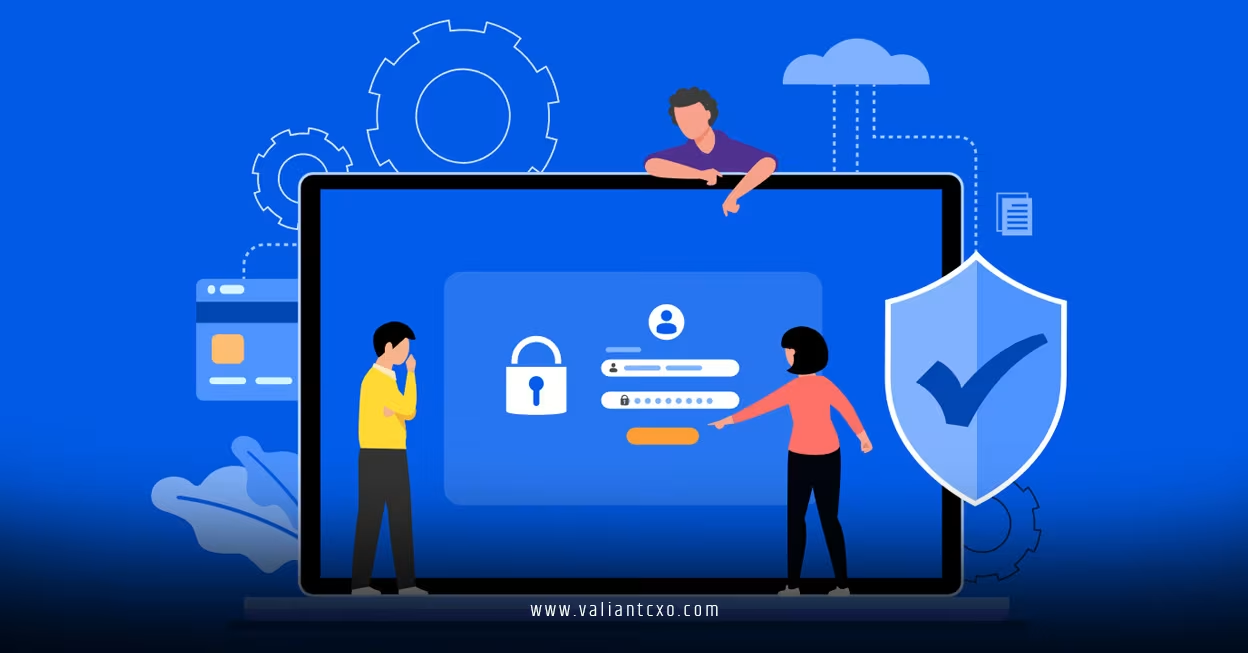
A common setup looks like this:
- You enter your password.
- The system asks for a second check.
- You approve a prompt, enter a one-time code, or use a security key.
- Access is granted only if both steps are correct.
That extra step is what stops many account takeover attempts.[1][6] Even if a password leaks in a phishing attack or old breach, the second factor still blocks the attacker.[3][6]
Best ways to roll it out without confusing your team
The best way to introduce MFA is to start with your most important accounts first. Business email, cloud storage, banking, accounting, payroll, and admin dashboards should be at the top of the list.[1][4]
A smart rollout usually looks like this:
- Turn on MFA for owners and administrators first.
- Add MFA to email and finance tools next.
- Train staff before enforcing it across the team.
- Give clear steps for setup and recovery.
- Keep backup codes in a safe place.
Small businesses do best when the process is simple. If people understand why MFA matters and how to use it, adoption goes up and support requests go down.[2][8]
You should also set a rule for new hires. Make MFA part of onboarding on day one, before access is granted. When someone leaves, revoke access immediately and remove any old authentication methods.[2]
Which MFA method is best for small business
Not all MFA methods are equal. Authenticator apps and hardware security keys are generally stronger choices than SMS codes, especially for admin accounts.[1][4][6]
SMS is still better than no second factor at all, but it is weaker than app-based or key-based options because phone numbers can be hijacked or intercepted. For most businesses, the practical approach is to use the strongest method your team can actually manage.[1][6]
Here is a simple rule of thumb:
- Use authenticator apps for most employees.
- Use hardware security keys for owners and admins.
- Avoid SMS-only protection for important accounts.
- Use biometric checks where they are supported and secure.
If you want a stronger setup without making life harder for your team, adaptive MFA can also help. This type of system looks at risk signals, such as location or device changes, and asks for extra proof only when something looks unusual.[3]
How MFA links back to breach prevention
Multi-Factor Authentication for Small Business is closely tied to the bigger question of what is a data breach and how does it happen 2026. Many breaches begin when an attacker gets into one account, then moves deeper into your systems.[3][6]
That is why MFA is not just an IT setting. It is part of your breach prevention plan. If you can block stolen passwords, you can block one of the most common ways attackers get started.[1][3]
A good cybersecurity setup uses more than MFA, of course. You still need updates, backups, training, access controls, and phishing awareness. But MFA gives you a strong first line of defence, and for many small businesses it is the fastest win available.[1][6]
Common mistakes to avoid
A lot of businesses turn on MFA and think the job is done. That is a mistake.
Here are the main problems to avoid:
- Leaving important apps out of the rollout
- Using SMS only for everything
- Not setting up backup codes
- Forgetting to remove access for former staff
- Skipping employee training
- Failing to review sign-in logs
MFA works best when it is part of a routine, not a one-time project. Review your settings regularly, especially after staff changes, software upgrades, or new app purchases.[2][4]
We hope that you have found this article enlightening in some way, because Multi-Factor Authentication for Small Business is one of the simplest ways to reduce account takeover risk and strengthen trust with your customers. If you want to protect your business from the kind of access problems that can lead to bigger security incidents, this is a very good place to start.