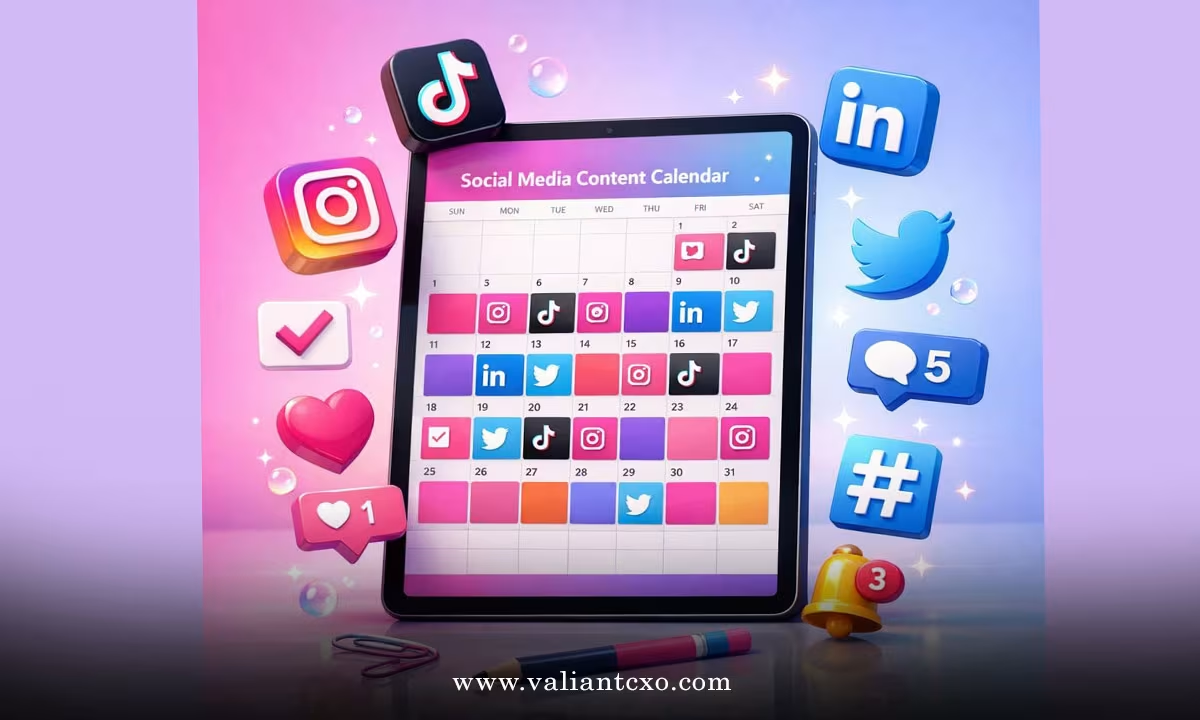
A social media content calendar for small business is the practical tool that stops the daily scramble of “what should I post today?” You already wear too many hats. Creating posts on the fly drains time and often leads to inconsistent results. A simple calendar turns that chaos into a clear weekly or monthly plan you can follow without stress.
We’re going to walk through exactly how to build and use a social media content calendar for small business that actually fits a busy schedule. You’ll see how to plan across platforms, keep things fresh, and still leave room for real engagement. If you would like to find out more, feel free to read on.
Why Your Small Business Needs a Content Calendar
Posting randomly rarely builds an audience. People notice when you show up regularly with useful or interesting material. A calendar helps you batch your ideas, schedule posts in advance, and balance different types of content so the feed never feels one-note.
It also makes team hand-offs easier if you have help, and it gives you a clear record of what worked. Most small businesses that stick with a basic calendar see better consistency and less last-minute panic within a few weeks.
How to Build Your Social Media Content Calendar for Small Business
Start with a simple spreadsheet or free tool like Google Sheets. Create columns for date, platform, post type, caption or topic, media needed, and status. That’s enough for most owners.
Decide your posting frequency first. Two to four times a week per main platform is realistic for most small businesses. Choose the platforms where your customers already spend time—Instagram, Facebook, LinkedIn, X, and Telegram all work well depending on your audience.
List the content pillars you want to cover. Typical ones include product tips, customer stories, behind-the-scenes, offers, and educational posts. Aim for a mix so the calendar doesn’t feel sales-heavy.
Block out one planning session each month. Write down 8–12 post ideas that fit your pillars. Assign them to specific dates and platforms. Leave a couple of open slots for timely updates or customer questions that come up.
Planning Content Across Platforms
Keep the core message the same but adjust the format. A short tip that works as an Instagram carousel can become a LinkedIn text post or a quick Telegram update. Batching like this saves hours.
If you’re adding Telegram to the mix, the process is straightforward. A well-planned calendar makes it easy to adapt existing ideas into channel-friendly posts. For a full walkthrough on setting that up and growing it without paid ads, see how to create a telegram channel for business and grow subscribers free.
Include calls to action that feel natural. Invite people to reply, share, or visit your site. Track which posts get the most response so you can repeat the winners next month.
Simple Tools and Templates That Work
You don’t need expensive software. Google Sheets or Notion free plans handle most calendars. Canva’s free content planner or Meta’s native scheduling tools also work well if you prefer visual layouts.
Create a basic monthly template once and reuse it. Colour-code post types so you can spot gaps at a glance—too many product posts or not enough educational ones, for example. Review the previous month’s results before filling the next one. That feedback loop keeps the calendar useful instead of just another document that sits unused.
Keeping the Calendar Realistic and Flexible
Build in buffer days. Life happens, and a rigid plan that leaves no room for delays creates more stress than it removes. Aim for progress over perfection. If you miss a day, simply move the post or skip it without guilt.
Involve your team or a virtual assistant by sharing the calendar and assigning clear tasks. Even solo owners benefit from setting a weekly 30-minute review to adjust upcoming posts based on what customers are talking about.
Seasonal events, product launches, and local happenings should appear on the calendar early so you can prepare media and captions in advance. This approach turns potential last-minute rushes into planned, higher-quality posts.
Measuring What Matters
Look at simple metrics: reach, saves, comments, and clicks to your site or offers. Note which content pillars and posting times perform best. Use those insights to refine the next month’s calendar.
Over time you’ll develop a rhythm that feels natural. The goal is not endless content—it’s steady, useful communication that supports your business without taking over your week.
We hope that you have found this article helpful and that you now feel ready to set up your own social media content calendar for small business. Start with a basic spreadsheet this week, fill in the next two weeks of posts, and adjust as you go. Consistency compounds, and a clear plan makes that consistency much easier to maintain.